Want to start your own online store but don’t know where to begin?
In this video, I’ll show you how to set up a Shopify store step by step. Whether you’re a beginner or just exploring e-commerce, stick around—by the end of this video, you’ll be ready to launch your dream business!"

1. Step 1: Sign Up for Shopify
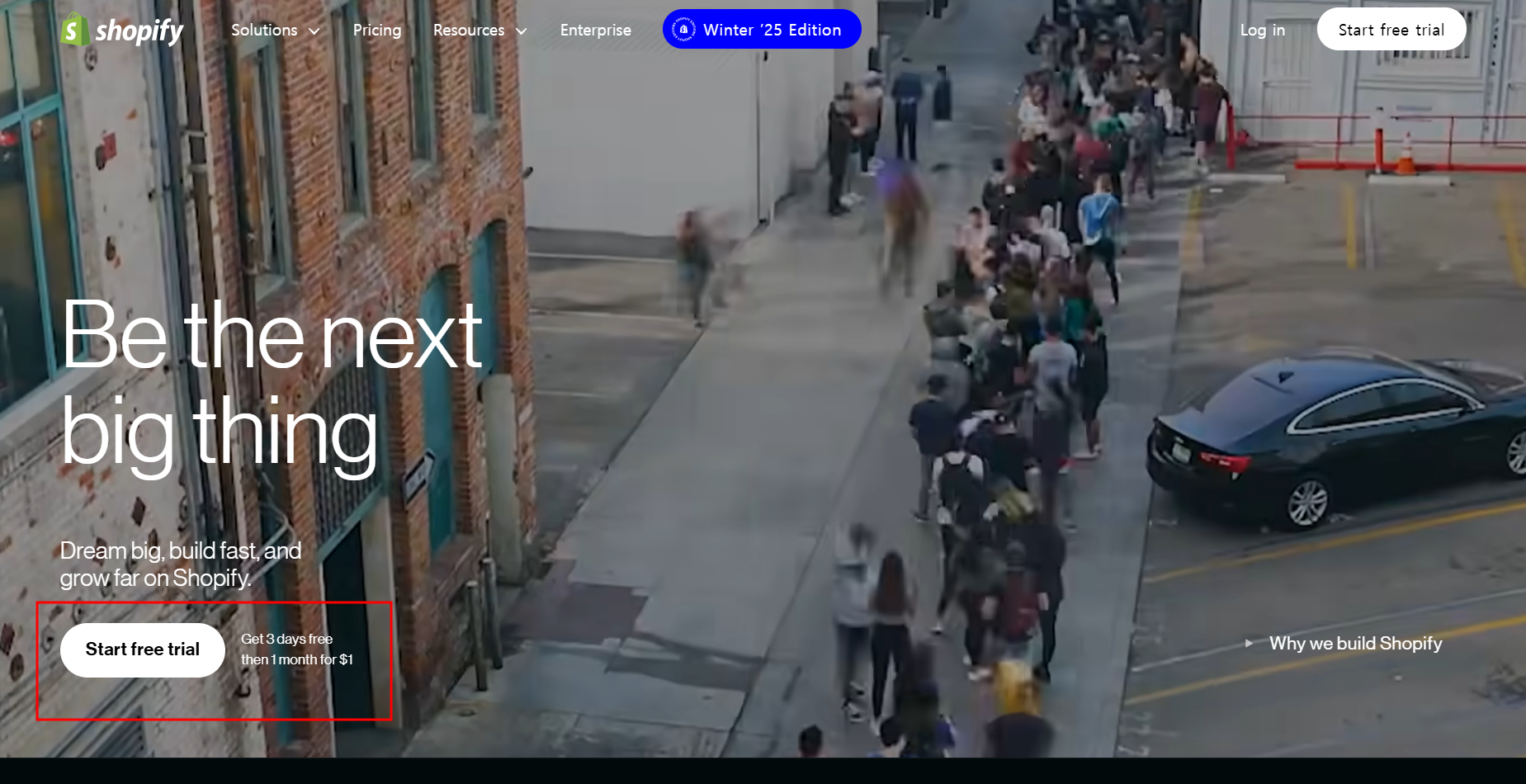
Head over to Shopify’s website and click 'Start Free Trial.' Enter your email, create a password, and choose a unique store name.
- Tip: Pick a name that reflects your brand.
2. Step 2: Customize Your Store
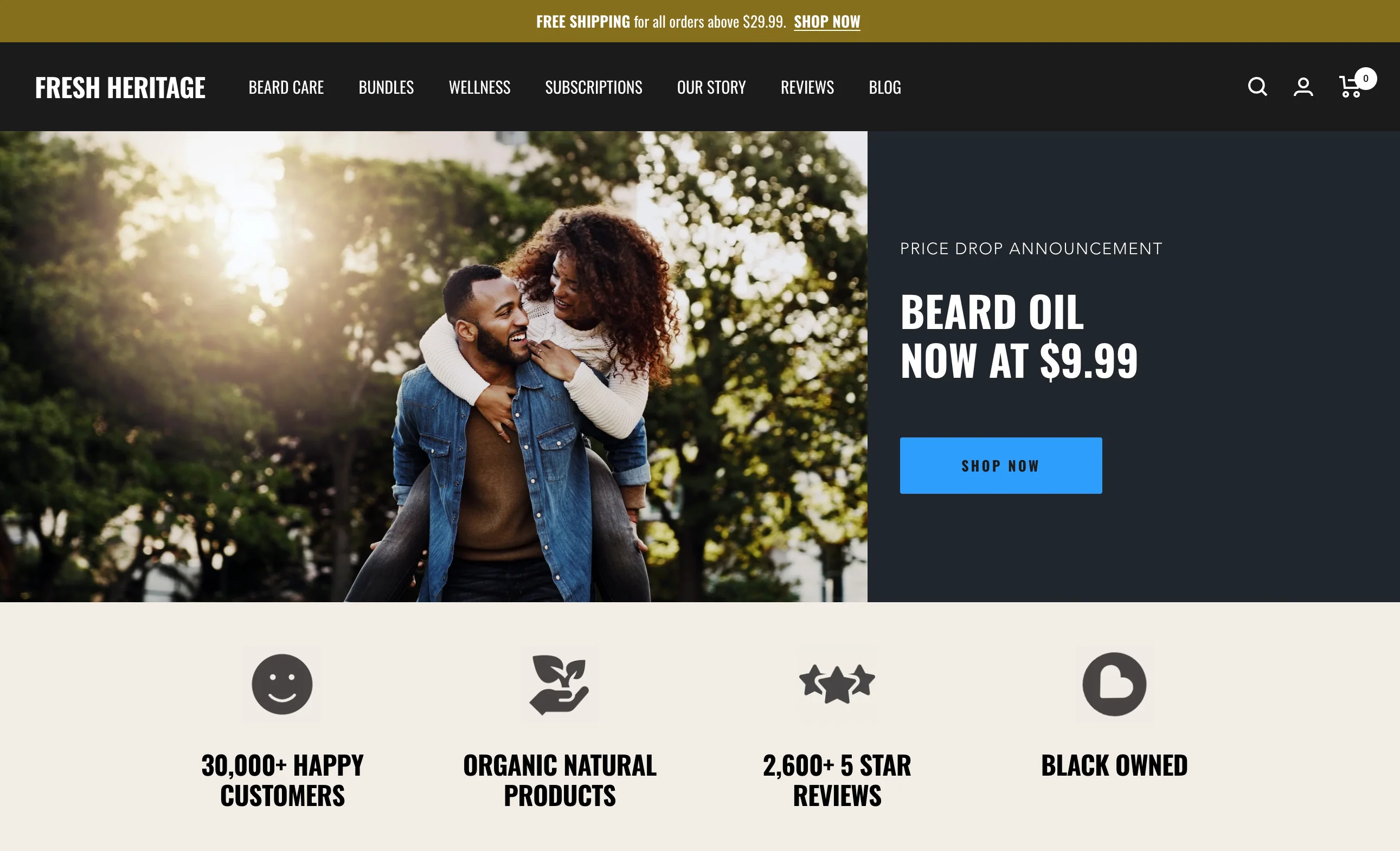
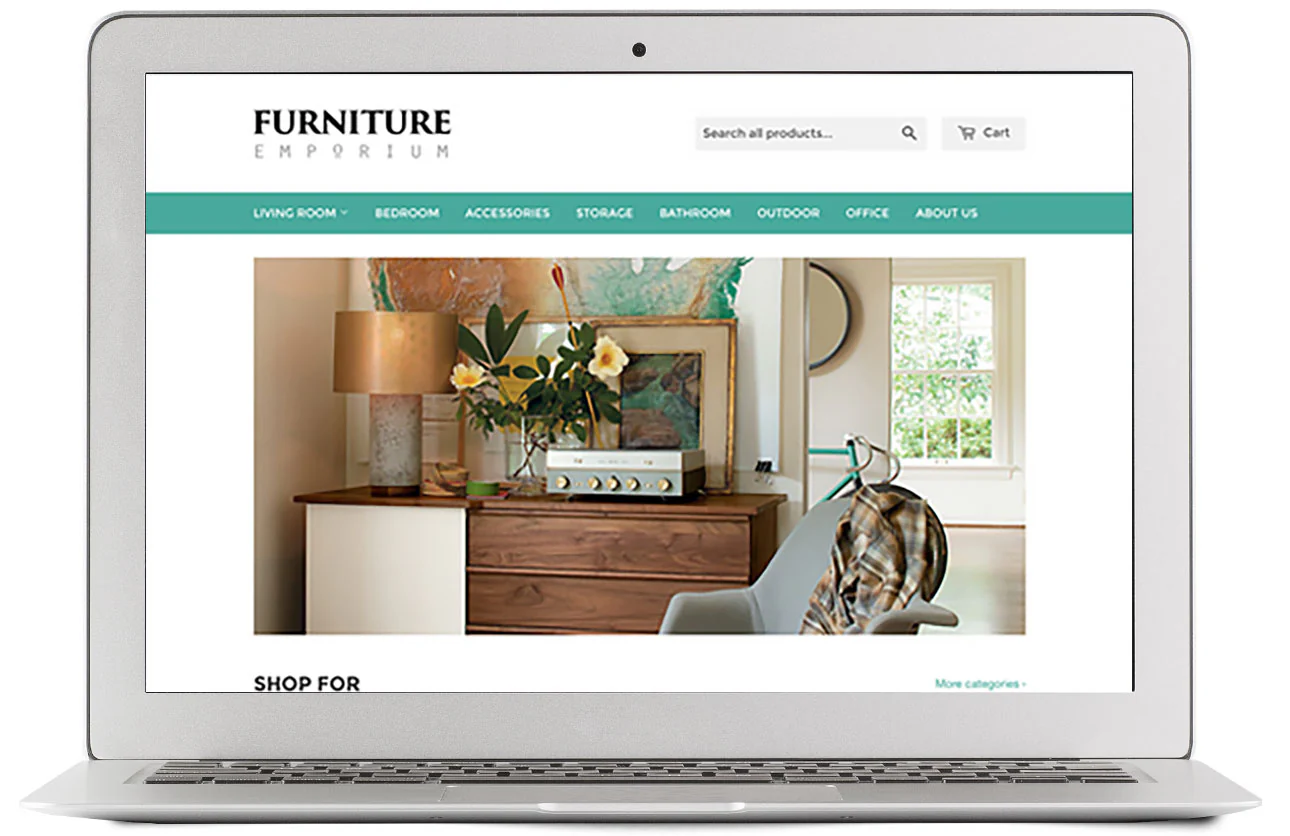
- Choose a theme from Shopify’s library. Customize colors, fonts, and layouts to match your brand identity.
- Visual cue: Show examples of themes.
3. Step 3: Add Products
Go to the Products tab in the admin panel and click 'Add Product.' Upload images, write descriptions, and set pricing.
- Pro Tip: Use high-quality images and SEO-friendly descriptions.
4. Step 4: Set Up Payments and Shipping
Configure payment options like PayPal or credit cards under 'Settings.' Then set shipping rates based on your target audience.

5. Step 5: Launch Your Store!
- Once everything is set up, click 'Publish' to make your store live!

Congratulations—you’re now ready to start selling on Shopify! If you found this guide helpful, hit the like button and subscribe for more e-commerce tips. Let me know in the comments what kind of products you’re planning to sell!
'대표 기획자' 카테고리의 다른 글
| 퇴사해도 놓치면 손해! 연말정산 꿀팁 대방출 (2) | 2025.02.02 |
|---|---|
| 워드프레스 블로그 개설부터 운영까지: A to Z 따라 하기 (4) | 2025.02.02 |
| 티스토리 블로거를 위한 에디터 단축기 모음 (0) | 2025.01.27 |
| 네이버 SEO 성공의 핵심, 파워링크로 검색 순위 높이기 (0) | 2025.01.25 |
| 애드센스로 월 3백 벌려면 필요한 방문자수와 클릭수 (2) | 2025.01.25 |